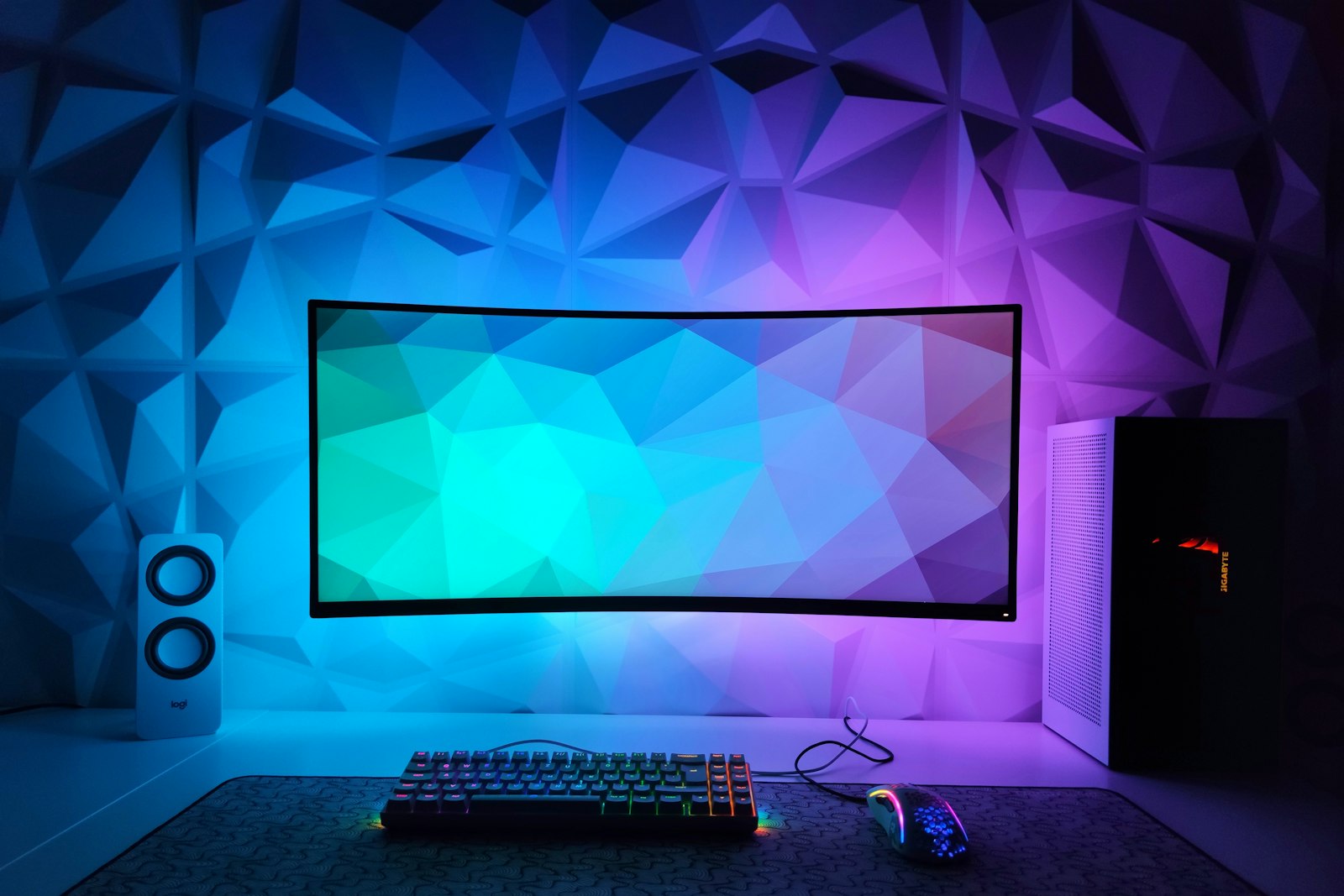
Monitor spec sheets are full of numbers. These are the ones that actually change how your games look and feel.
Quick hits
- Match resolution to screen size: 1080p suits smaller screens, while 1440p and 4K look sharper on larger ones.
- A higher refresh rate, such as 144Hz, makes motion smoother, but only if your PC or console can deliver the frames.
- Adaptive sync, such as FreeSync, G-SYNC or HDMI VRR, reduces tearing and stutter.
- OLED panels offer fast response and deep blacks; IPS and VA panels have their own trade-offs.
- For 4K at 120Hz on PS5 or Xbox Series X, you need a display and cable that support HDMI 2.1.
A good monitor makes games look sharper and feel smoother. The right one depends on what you play, what you play it on and how close you sit.
Resolution and size
- 1080p (Full HD): fine on screens around 24 inches and easy for most graphics cards to drive.
- 1440p (QHD): a popular middle ground, sharp on screens around 27 inches.
- 4K (UHD): very sharp, especially on larger screens, but demanding to run at high frame rates.
Refresh rate
Refresh rate is how many times per second the screen updates, measured in hertz (Hz). Moving from 60Hz to 144Hz makes motion noticeably smoother, which helps in fast games such as competitive shooters. Your PC or console must produce enough frames per second to benefit.
Response time
Response time measures how quickly pixels change color. Slow response leaves blurry trails behind moving objects. Manufacturers measure it in different ways, so independent reviews are more reliable than the figure on the box.
Adaptive sync
Without syncing, the monitor and graphics card can fall out of step, causing tearing or stutter. Adaptive sync technologies, such as AMD FreeSync, NVIDIA G-SYNC and HDMI 2.1 VRR, let the monitor match the frame rate the game produces.
Pro tip
Check that your graphics card or console supports the type of adaptive sync the monitor offers, and turn it on in the settings. It’s often off by default.
Panel types
- IPS: good colors and viewing angles.
- VA: strong contrast, though some show more smearing in dark scenes.
- OLED: very fast response and deep blacks, with some risk of burn-in from static images, such as game interfaces, over long periods.
HDR
HDR can make highlights brighter and colors richer, but entry-level HDR monitors often can’t get bright enough to make much difference. Look for reviews that test HDR performance specifically.
For console players
PS5 and Xbox Series X can output up to 120Hz in supported games. For 4K at 120Hz, you need a display and cable that support HDMI 2.1. Xbox Series S targets lower resolutions, so a 1440p monitor can be a good match.
Ports and setup
PC players should use DisplayPort or HDMI 2.1 for high refresh rates, and set the refresh rate in the operating system’s display settings. Once you’re set up, see our guide to protecting your gaming accounts.
Player questions
Is 4K worth it for PC gaming?
It looks great, but running games at 4K and high frame rates needs a powerful graphics card. Many players find 1440p a better balance.
What’s a good refresh rate?
144Hz is a big step up from 60Hz for most players. Competitive players may want 240Hz or more if their PC can keep up.
Does response time really matter?
Slow response times can cause blurry trails behind moving objects. Look at independent reviews, since quoted figures aren’t always comparable.
Should I use a TV instead of a monitor?
For couch gaming on a console, a TV with HDMI 2.1 features can be excellent. For desk gaming, a monitor is usually more comfortable.
Games, platforms and settings change with updates, so check the official help pages for your platform if something looks different.