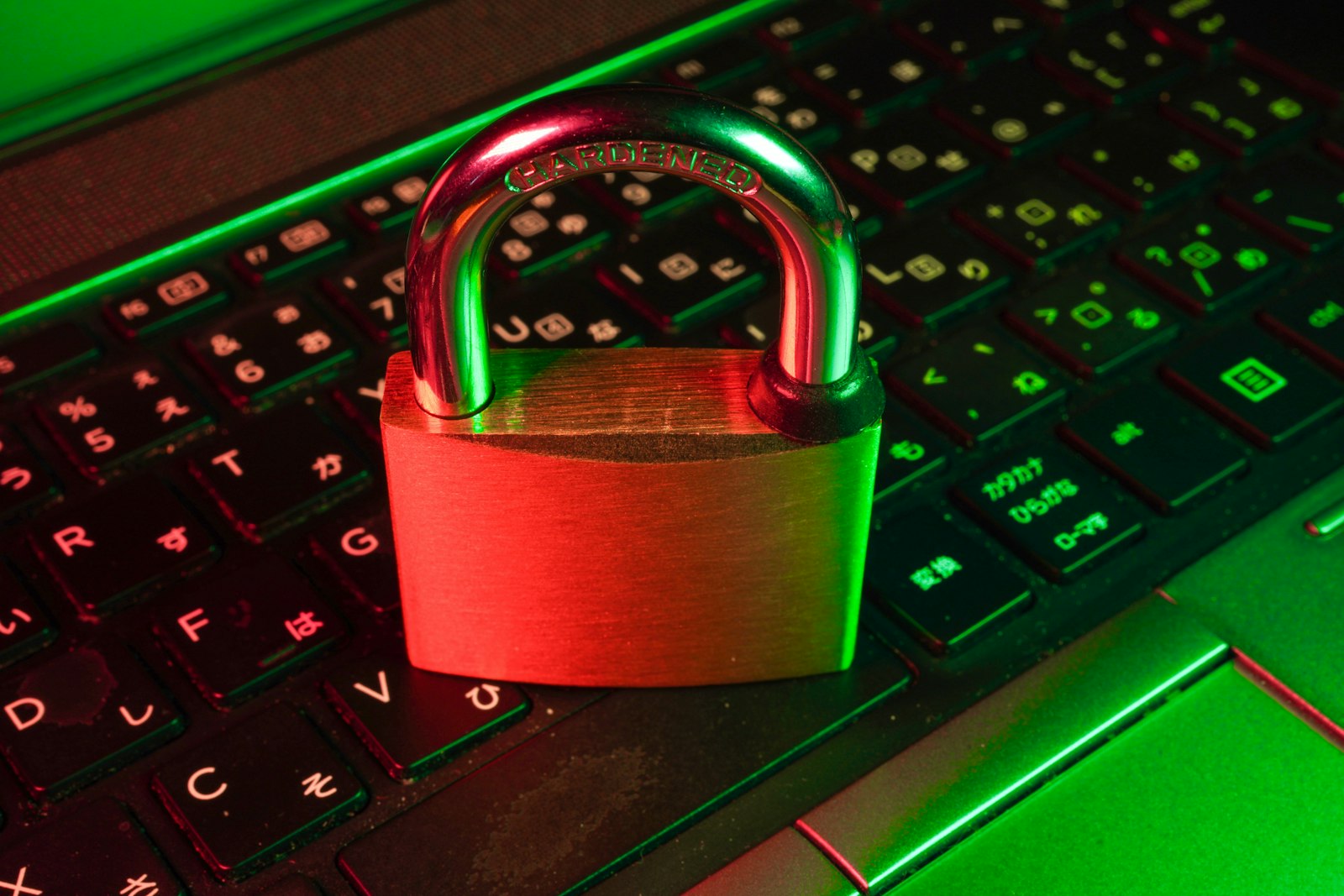
Gaming accounts can hold years of purchases and a saved payment card. That makes them a target, and a few simple steps make them far harder to steal.
Quick hits
- Use a unique password for every gaming account, ideally stored in a password manager.
- Turn on two-factor authentication, such as Steam Guard, on every platform that offers it.
- Offers of free in-game currency, skins or items are a common route to phishing.
- Trade only through official systems, and never share login codes with anyone.
- Anyone who asks you to pay with gift cards is a scammer, according to the FTC.
Gaming accounts are valuable to thieves: they hold games, in-game items, rare usernames and sometimes saved payment details. Most account thefts rely on reused passwords or tricking players into handing over their details.
Use strong, unique passwords
If you use the same password elsewhere and that site is breached, attackers will try it on gaming platforms too. A password manager makes unique passwords easy, and it won’t fill in your details on a fake site.
Turn on two-factor authentication
Two-factor authentication adds a second step, such as a code from an app, when you sign in. Steam offers Steam Guard through its mobile app, and Xbox, PlayStation, Nintendo and Epic Games all support two-step verification. Turn it on for every account, and for the email account linked to them.
Watch out
Never share a two-factor code, even with someone claiming to be from support or a friend who says they sent it by mistake. That code is the key to your account.
Spot phishing
Common tricks include:
- Free currency or skins if you “log in to claim” them.
- Fake tournament or team invitations that ask you to sign in through a link.
- Messages claiming your account will be banned unless you act quickly.
- Lookalike web addresses that copy the real login page.
If an offer seems too good to be true, it is.
Trade safely
Use only the platform’s official trading system, check exactly what you’re receiving before confirming, and be wary of anyone who wants to move the deal to another app or use a “middleman.”
Watch out for gift card scams
The FTC warns that anyone who demands payment by gift card is a scammer. Real companies and agencies won’t ask you to pay a fine, unlock an account or claim a prize with gift cards.
If you’re hacked
- Reset your password from the official site, and change your email password too.
- Contact support through the platform’s official website.
- Check your payment methods and contact your bank about any unexpected charges.
- Report scams to the platform, and in the US, to the FTC at ReportFraud.ftc.gov.
Parents can combine these steps with parental controls to protect children’s accounts. For setup tips, see our guide to choosing a gaming monitor.
Player questions
Will support staff ever ask for my password?
No. Genuine support teams don’t ask for your password or two-factor codes. Anyone who does is trying to take your account.
Is it safe to log in through third-party sites?
Only if you’re sure the site is legitimate and you’re on the platform’s real login page. Check the web address carefully before entering details.
Should I remove my saved card?
If you rarely buy games, consider removing it or using prepaid credit, so a stolen account can’t run up charges.
My account was hacked. Can I get my items back?
Sometimes. Contact the platform’s support quickly through its official site, and provide proof of ownership, such as purchase receipts.
Games, platforms and settings change with updates, so check the official help pages for your platform if something looks different.